Fix Payments After They Happen.


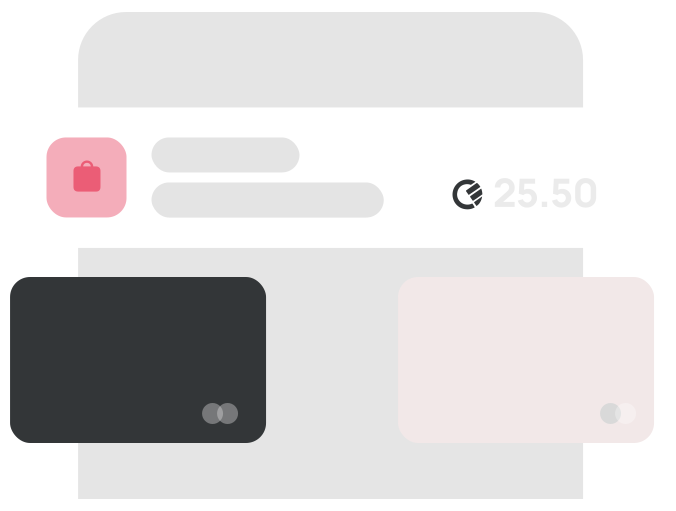
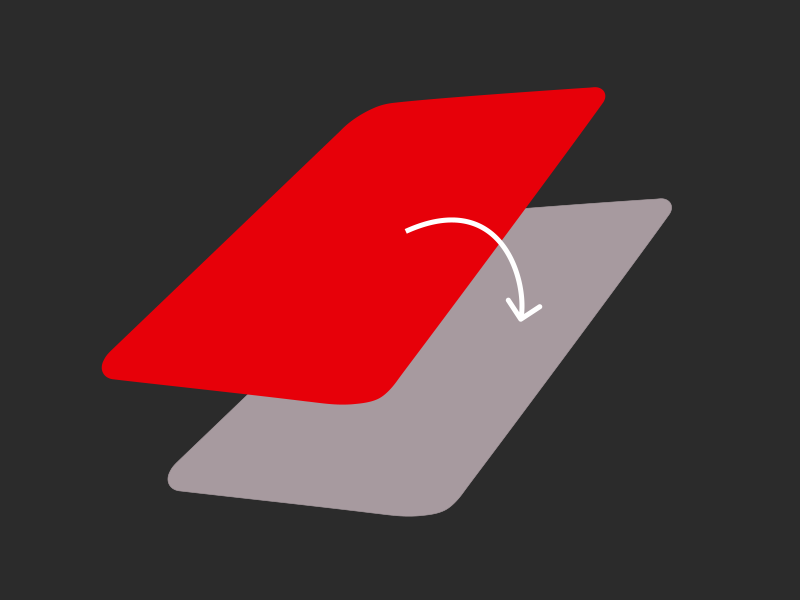
Made a mistake at checkout? Want to earn more rewards or split a big spend? With Go Back in Time®, you can move a past payment to a different card up to 120 days after you made it. It’s seamless, flexible — and only possible with Curve Pay.
Go Back In Time image

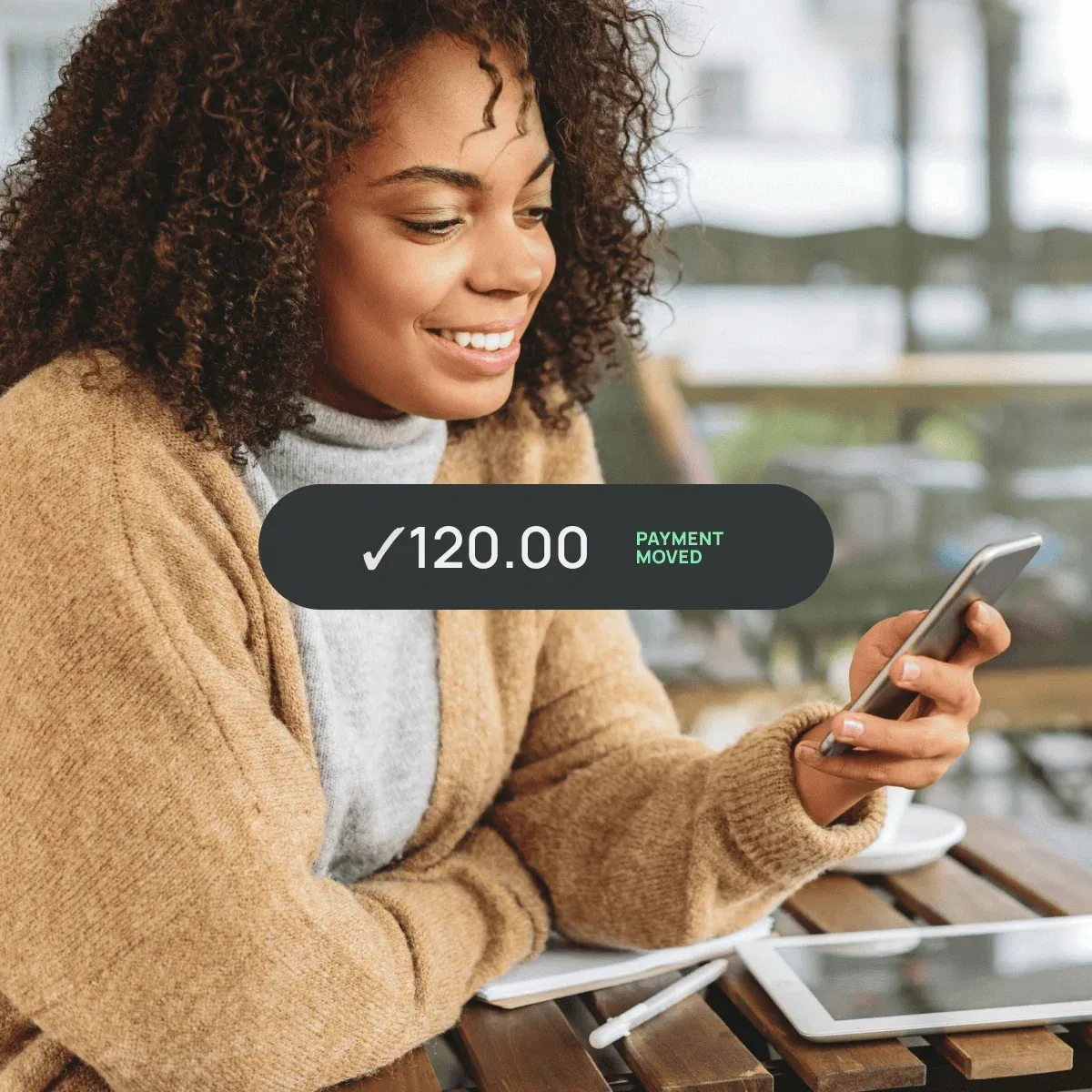
Fix Regrets, Instantly

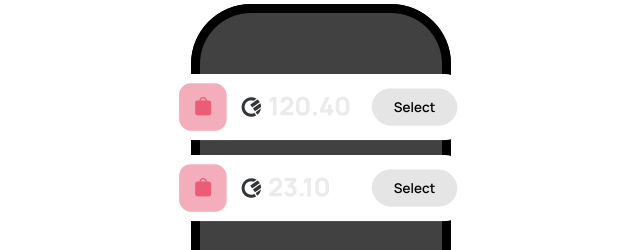
Send a payment to a better card — even months later. Whether it's to unlock rewards or avoid fees, you stay in control.

Fix Regrets Instantly image

Avoid Credit Card Interest

Swap a big purchase onto a lower-interest card before your billing cycle ends. Perfect for when life changes your plans.

Avoid Credit Card Interest image

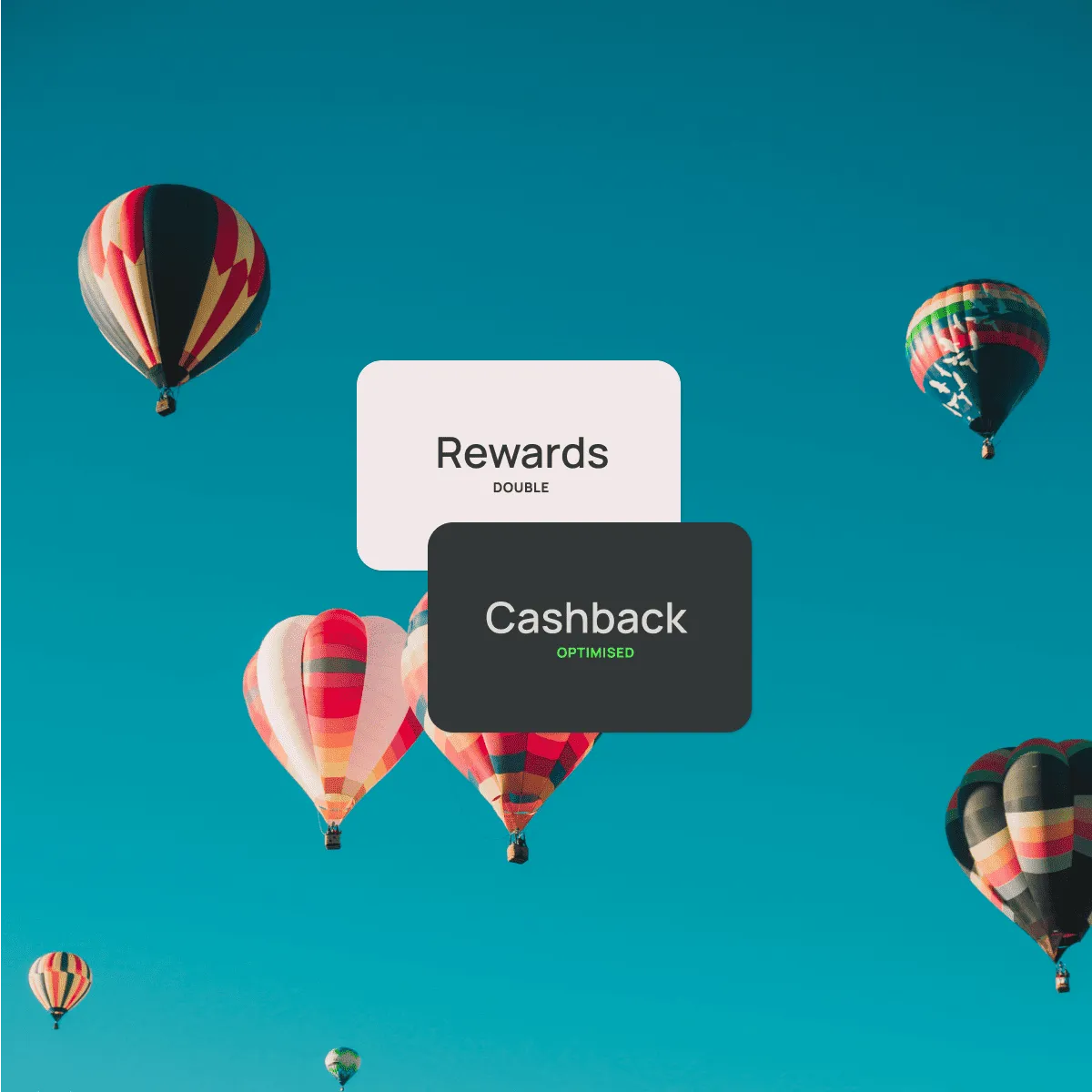
Keep Your Cashback Optimised

Move your payment to a rewards card if you forget to use it the first time. Double the rewards, none of the stress.

GBiT benefit image 3

Only with Curve Pay. Yes, it’s ours. Yes, it’s patented.

We invented it. So you won’t find this feature anywhere else — Go Back in Time® is exclusively available through Curve Pay.

GBiT payment image

Frequently asked questions

What is Go Back in Time®?

Go Back in Time® lets you move a previous transaction to a different card — even up to 120 days later. It’s ideal for correcting mistakes, optimising rewards, or managing cash flow.


How do I use Go Back in Time®?

Open the Curve Pay app, find the transaction, tap "Go Back in Time®", and select the new card. The payment is refunded from the original card and recharged to the new one.

Is there a limit on how far back I can move a payment?

Yes, you can move payments made up to 120 days ago on Curve Pay Pro+. You can only change the card for each transaction once.

Does it cost anything to use Go Back in Time®?

It’s free for all Curve Pay users within your plan’s limits. Higher limits are available with premium plans.

Can I use Go Back in Time® on all types of transactions?

Most standard transactions are eligible. Some exclusions may apply, such as certain pending payments, merchant-specific restrictions, or ATM withdrawals.

More benefits